


Oscarspin Italy Mobile Availability

The first step for a user in Italy should be to distinguish technical availability from regulatory availability.
Oscarspin currently provides an Italian-language website, and the operator’s Terms do not include Italy in the restricted-country list published at the time of this review. Those Terms nevertheless state that users themselves must consider the laws applicable in their jurisdiction.
At the same time, ADM is the Italian authority responsible for the regulated gambling market and publishes a directory of authorised remote-gambling operators.
For that reason, an Italian user should check the following before installing anything or entering account information:
- Confirm the exact Oscarspin domain being opened.
- Review the current operator information and Terms & Conditions.
- Check whether the relevant operator/domain is authorised through the current ADM remote-gaming resources.
- Establish whether the mobile product is a PWA, native app or another format.
- Avoid treating an Italian translation, euro pricing or mobile compatibility as proof of Italian regulatory approval.
| Mobile availability question | What should an Italian user verify? |
| Does the website open in Italy? | Technical access alone is not enough to establish regulatory status |
| Is Italy restricted by Oscarspin’s own Terms? | Italy is not in the restricted-country list reviewed on 10 August 2026 |
| What licence does Oscarspin state? | Oscarspin states a Curaçao Gaming Authority licence |
| Who regulates authorised remote gambling in Italy? | Agenzia delle Dogane e dei Monopoli (ADM) |
| Does Oscarspin document mobile access? | Yes, the official Italian page documents a PWA |
| Does PWA installation prove Italian authorisation? | No; operator status should be checked separately |
Oscarspin’s current Terms also warn against falsifying geolocation where restrictions apply. Users should not use VPNs or other tools to bypass geographical or regulatory controls.
Does Oscarspin Have An Official Mobile App?

Oscarspin does use the term “app” on its website, but the format currently documented by its official Italian pages is a PWA, or Progressive Web App.
A PWA is based on web technology. It can create an icon on the device’s home screen and provide an app-like launch experience while remaining linked to the underlying website.
This should be distinguished from a native application:
| Format | Installation method | Current Oscarspin position |
| Mobile web | Open the website in a browser | Confirmed |
| PWA | Add/install the website from the browser | Confirmed by Oscarspin |
| Home-screen shortcut | Created through browser controls | Part of the documented PWA process |
| Native iOS application | Installed through Apple’s App Store | Not the installation method documented by Oscarspin’s Italian site |
| Native Android application | Normally installed through an official store | Not required by Oscarspin’s documented PWA process |
| APK file | Direct Android package installation | Not part of the official mobile instructions reviewed |
Oscarspin’s official Italian page says that users can install the casino as a PWA and describes the product as lightweight because it does not require substantial device storage.
Consequently, articles should not automatically describe Oscarspin as a conventional App Store or Google Play casino application unless such a listing is independently verified at the time of publication.
Oscarspin App For Android
The official Oscarspin Android instructions currently focus on installation from the website through the mobile browser.
Oscarspin tells Android users to open the casino website in their chosen mobile browser, open the browser menu, select Add to Home Screen, and then use the installation prompt. After that process, an Oscarspin icon appears on the home screen.
This is consistent with a PWA rather than a separately downloaded casino APK.
For Android users in Italy, a safer procedure is:
- Start from the independently verified Oscarspin website.
- Check the current legal and operator information.
- Use an updated mobile browser.
- Follow only installation instructions displayed through the verified site.
- Inspect the destination before accepting any unexpected download.
- Do not disable Android security protections merely because another website requests it.
- Avoid third-party APK catalogues that are not confirmed by Oscarspin.
Search results can contain applications with similar names that are unrelated to the casino. For example, a Google Play result using the Oscarspin name currently describes Hollywood and styling content rather than the Oscarspin casino service. That demonstrates why an app name alone is not reliable evidence of publisher identity.
The operator’s own PWA instructions should therefore be given greater weight than an unrelated app-store search result.
Oscarspin App For iPhone And iPad
The current Oscarspin iOS method also uses the browser.
According to Oscarspin’s official Italian site, iPhone and iPad users should open the website in their mobile browser, tap the Share control and choose Add to Home Screen. The resulting icon can then provide faster access to the mobile account.
This installation method should not be described as downloading a conventional native application from the Italian App Store.
For an iOS user, the relevant checks include:
- whether the starting page is the verified Oscarspin domain;
- whether the instructions come directly from that domain;
- whether Safari or another supported browser displays the expected home-screen function;
- whether any unexpected page redirects to a different domain;
- whether a supposed App Store listing identifies a publisher that can be matched with official operator information.
If Oscarspin later publishes a native iOS application, its availability should be checked again specifically in the Italian App Store because applications can have country-specific distribution settings.
Until such a listing is independently confirmed, the official PWA instructions are the safer format to describe.
How to Verify an Oscarspin App Before Installing

An application should never be considered official simply because it has the correct logo or includes the words “Oscarspin casino”.
A practical verification checklist is:
- Official domain: begin with the verified operator website.
- HTTPS: confirm that the browser uses an encrypted HTTPS connection.
- Installation source: check whether the official site itself provides the installation instructions.
- Publisher: if an external app store is involved, verify the developer rather than relying on the title.
- Privacy Policy: confirm that privacy information corresponds with the operator.
- Permissions: reject unnecessary access to contacts, SMS, microphone, photos or other functions unless a legitimate reason is clear.
- Redirects: stop if installation unexpectedly moves through unrelated domains.
- Branding: check spelling, logos and operator information for inconsistencies.
- Regulatory information: for Italy, check current ADM information separately from the software installation process.
Oscarspin’s Terms identify Terdersoft B.V. as the service provider and provide company and licensing details. The same Terms state that transaction security uses SSL encryption.
However, HTTPS alone does not prove authenticity. A fraudulent site can also use encryption, which is why the domain, operator identity and installation source must be checked together.
Oscarspin Login Through Mobile Devices

An existing user’s Oscarspin login on mobile should follow a simple account-access sequence rather than a separate registration process.
The user should open the verified website or previously verified PWA, select the Login option, provide the credentials belonging to the existing account and complete any enabled security verification.
Oscarspin’s Terms state that account holders choose a username and password for login and are responsible for protecting those credentials.
For more detailed information about credentials, password recovery and account-access issues, see the internal Oscarspin Login guide.
The basic mobile process is:
- Open the verified Oscarspin domain or PWA.
- Recheck the URL before entering credentials.
- Select Login.
- Enter the credentials associated with the existing account.
- Complete an additional security check when enabled.
- Sign out after using a device that other people may access.
Oscarspin’s website also recommends two-factor authentication, describing a one-time code as an additional login-security measure when 2FA has been enabled.
Users should never give a password or one-time security code to a person who contacts them unexpectedly.
Device Compatibility And Mobile Requirements
Oscarspin describes its PWA as compatible with both iOS and Android devices, but its public mobile instructions reviewed for this guide do not provide a stable minimum Android or iOS version that should be presented as a permanent requirement.
Instead, users should consider practical technical requirements.
| Technical factor | Why it matters |
| Operating system | Older releases may lack current browser and security functions |
| Browser version | PWA installation and website features depend on browser support |
| Internet connection | Account and casino content generally require reliable connectivity |
| Device storage | Browser cache and PWA data still use some local storage |
| Cookies/site data | Authentication and session functions may depend on browser storage |
| JavaScript | Modern interactive interfaces often require it |
| Security updates | Reduce exposure to known browser and OS vulnerabilities |
| Battery/data restrictions | Aggressive power-saving settings can affect web-app behaviour |
Oscarspin characterises its PWA as lightweight and says that it uses relatively little device memory.
Users should avoid publishing or relying on claims such as “Android 8+ required” or “iOS 15 minimum” unless Oscarspin or the relevant official distribution platform explicitly confirms those requirements at the time the information is updated.
If the PWA does not work correctly, common troubleshooting steps include checking the internet connection, updating the browser, restarting it, confirming that cookies or required website data are not blocked, and ensuring there is sufficient device storage.
Mobile Security and Account Protection
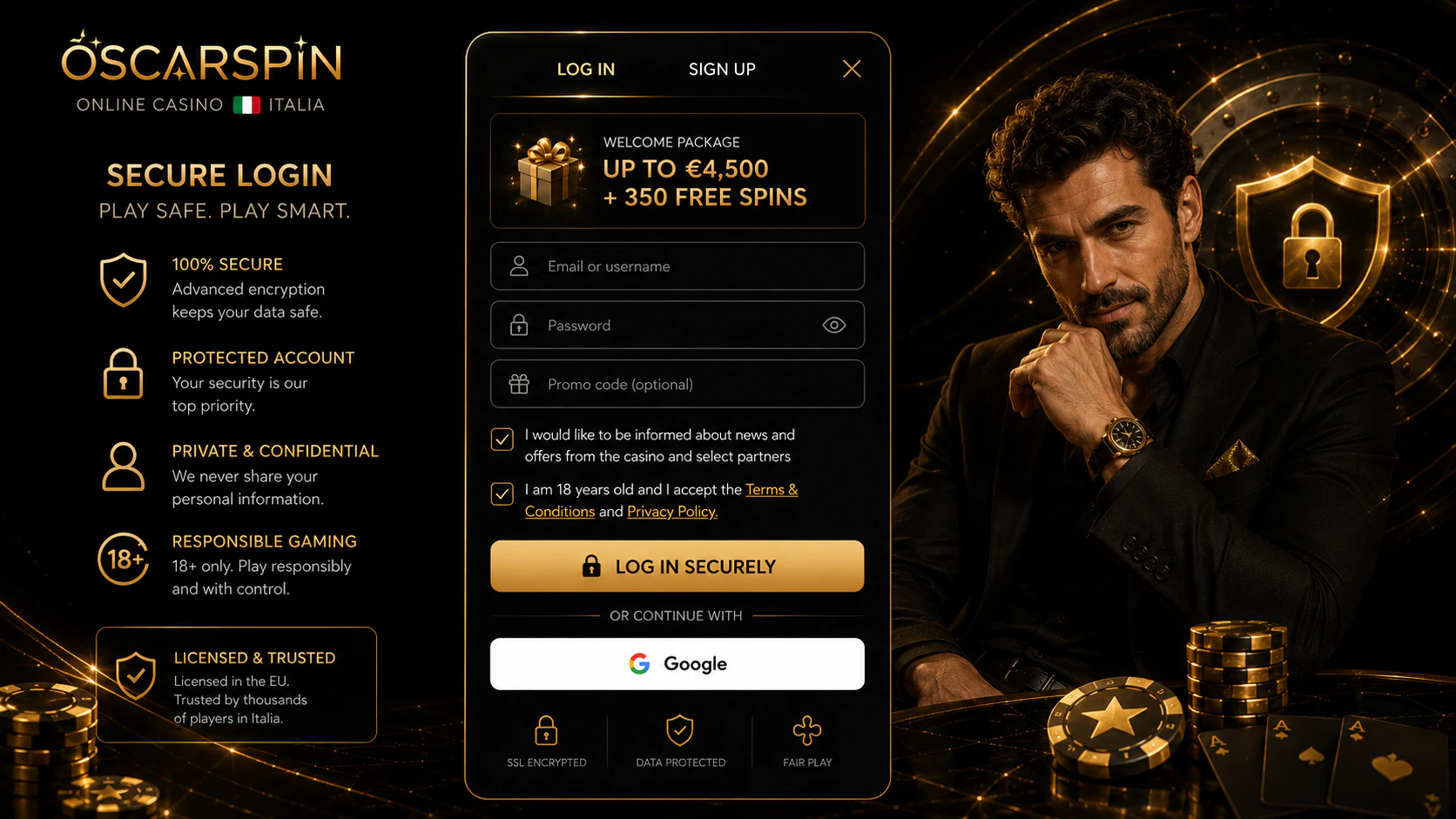
Mobile devices can contain passwords, payment-card data, authentication messages and access to the user’s email account in one place. Protecting the device is therefore part of protecting the Oscarspin casino login.
Oscarspin’s Terms place responsibility on account holders for keeping their login credentials confidential and state that activity performed using the correct credentials can be regarded as activity performed by the account holder.
Users can reduce risk by following these measures:
- use a unique password that is not reused on other websites;
- enable 2FA when available;
- use a PIN, password or biometric screen lock;
- avoid storing credentials on a borrowed or publicly accessible phone;
- check URLs before allowing a password manager to autofill credentials;
- avoid following login links from unexpected SMS or social-media messages;
- use caution on untrusted public Wi-Fi;
- sign out when another person may gain access to the device;
- remove account and payment data before selling or giving away a phone;
- change credentials if a device containing an active session is lost.
Password managers can also help identify suspicious domains because saved credentials are typically associated with a specific website address. If expected credentials do not appear automatically, the URL should be checked carefully before the password is entered manually.